BESTSELLERIN STOCK · UNLIMITED
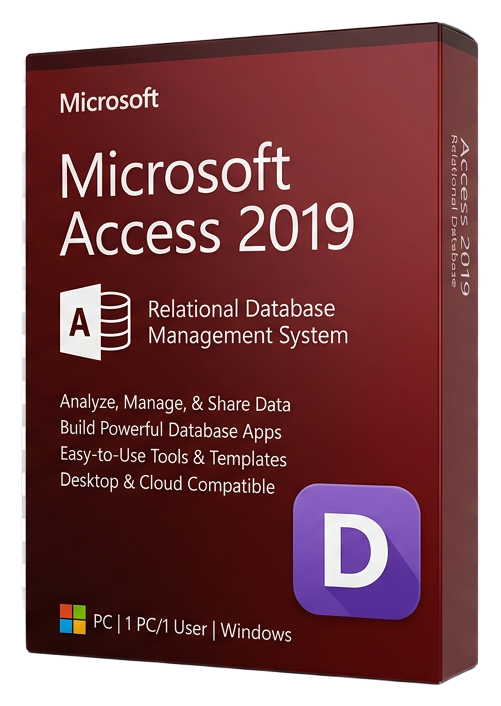
Microsoft Access 2019
Microsoft · Lifetime
Term
Lifetime
Devices
1 device
Delivery
< 60 sec
Region
Worldwide
Overview
Microsoft Access 2019 is a desktop relational database management system that bridges the gap between simple spreadsheets and complex enterprise databases. It empowers business users, analysts, and small teams to create custom database applications without requiring specialized programming knowledge — making it the go-to tool for organizations that have outgrown Excel but do not need the complexity of SQL Server. At its foundation, Access 2019 provides a full relational database engine that supports tables, queries, forms, reports, and macros. You can design normalized database schemas with primary keys, foreign key relationships, and referential integrity constraints — the same principles that govern enterprise databases — through a visual drag-and-drop interface. The Query Designer lets you build complex SQL queries visually, joining multiple tables, applying filters, and creating calculated fields without writing a single line of SQL. Forms in Access 2019 serve as the user interface for your database applications. The Form Designer lets you create professional data entry screens with text fields, dropdown lists, date pickers, subforms, and navigation buttons. You can build complete CRUD (Create, Read, Update, Delete) applications that non-technical users can operate confidently. Reports transform your data into formatted, printable documents with grouping, sorting, totals, and charts. Access 2019 introduces large number (BigInt) data type support for storing values that exceed the traditional Long Integer limit — essential for systems that interface with SQL Server or external databases using large identifiers. New chart types including scatter, histogram, box and whisker, and waterfall bring modern data visualization directly into your reports and forms. For automation, Access macros provide event-driven logic — open a form when a button is clicked, validate data before saving, send email notifications when records change, or import data from external sources on a schedule. Power users can extend functionality further with VBA (Visual Basic for Applications) for sophisticated business logic, API integrations, and custom ribbon interfaces. Access databases can scale from a single-user desktop application to a multi-user shared database serving small teams over a local network. For larger deployments, Access can serve as a front-end connected to SQL Server, Azure SQL, or SharePoint as the back-end data store, giving you the best of both worlds.
Guides et articles connexes
Microsoft Office 2024 LTSC: The Last One-Time Purchase Office Suite?
Microsoft Office 2024 LTSC is the latest perpetual Office suite — but with Microsoft 365 dominating, is this the last standalone version?
Read moreThe Complete Guide to Choosing the Right Microsoft Office Edition
Office Home, Business, Professional, or 365? This guide helps you pick the right Microsoft Office edition for your needs and budget.
Read moreWhere to Buy the Cheapest Microsoft Office 2024 License (Legitimately)
Find the best deals on genuine Microsoft Office 2024 licenses. Compare editions, pricing, and where to buy safely at the lowest price.