BESTSELLERIN STOCK · UNLIMITED
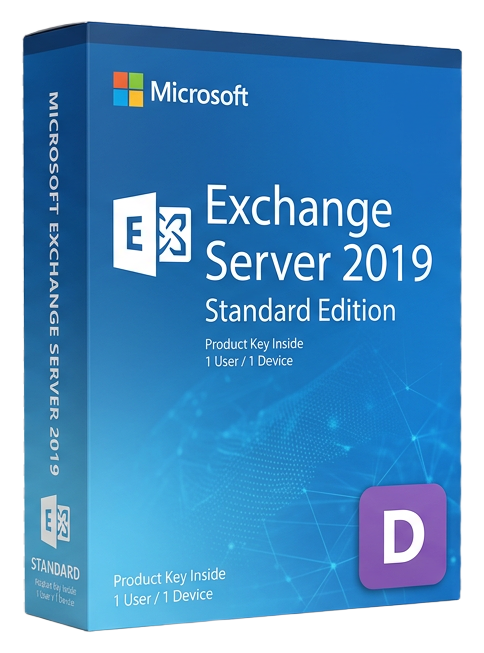
Microsoft Exchange Server 2019 Standard
Microsoft · Lifetime
Term
Lifetime
Devices
1 device
Delivery
< 60 sec
Region
Worldwide
Overview
Microsoft Exchange Server 2019 Standard is the latest on-premises release of Microsoft's enterprise email and calendaring platform, designed for organizations that require complete control over their messaging infrastructure. Whether driven by regulatory compliance, data sovereignty requirements, or simply the preference for on-premises deployment, Exchange 2019 delivers a modern email experience with the security and manageability that enterprises demand. Exchange Server 2019 runs exclusively on Windows Server 2019, leveraging the latest platform improvements in storage, networking, and security. The architecture consolidates all roles into a single Mailbox server role, simplifying deployment and reducing the server footprint compared to previous versions that required separate Client Access, Hub Transport, and Edge Transport roles. Performance improvements center on the search infrastructure, which has been rebuilt to use Bing search technology. The new search provides faster, more relevant results across email, calendar, contacts, and attachments. Search suggestions appear as you type, and results are organized by relevance rather than date, making it dramatically easier to find specific messages in large mailboxes. The calendar experience receives significant enhancements with better meeting time suggestions based on attendee availability and room resources, improved room booking with support for building and floor metadata, and Do Not Forward meeting controls that prevent attendees from forwarding sensitive calendar invitations. Exchange 2019 Standard supports up to 5 mounted databases per server, making it suitable for small to mid-size organizations. Each database can grow to 16 TB, accommodating large mailboxes without database management overhead. Database Availability Groups (DAGs) provide high availability with automatic database failover across multiple servers. Security improvements include support for TLS 1.2 by default, Exchange-specific anti-phishing and anti-malware scanning, and integration with Microsoft Defender for Office 365 in hybrid deployments. Dynamic calendar sharing with external organizations uses OAuth-based federation for secure, authenticated sharing. Hybrid deployment with Microsoft 365 enables a gradual migration path to the cloud. Free/busy calendar lookups, cross-premises mail routing, unified address book, and Azure AD Connect synchronization work seamlessly between on-premises Exchange and Exchange Online, letting you move mailboxes at your own pace. Exchange Server 2019 requires Exchange Server CALs for each user or device accessing the server. The Standard CAL covers basic email functionality, while the Enterprise CAL adds compliance features like Data Loss Prevention, journaling, and in-place archiving.
Guides et articles connexes
Microsoft Office 2024 LTSC: The Last One-Time Purchase Office Suite?
Microsoft Office 2024 LTSC is the latest perpetual Office suite — but with Microsoft 365 dominating, is this the last standalone version?
Read moreThe Complete Guide to Choosing the Right Microsoft Office Edition
Office Home, Business, Professional, or 365? This guide helps you pick the right Microsoft Office edition for your needs and budget.
Read moreWhere to Buy the Cheapest Microsoft Office 2024 License (Legitimately)
Find the best deals on genuine Microsoft Office 2024 licenses. Compare editions, pricing, and where to buy safely at the lowest price.