BESTSELLERIN STOCK · UNLIMITED
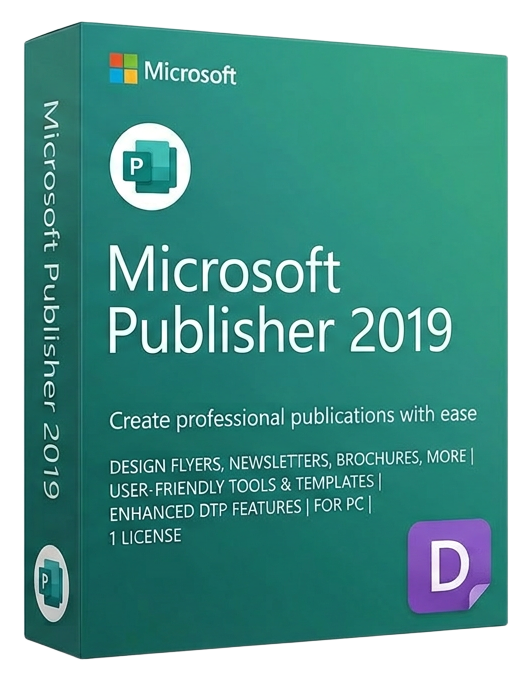
Microsoft Publisher 2019
Microsoft · Lifetime
Term
Lifetime
Devices
1 device
Delivery
< 60 sec
Region
Worldwide
Overview
Microsoft Publisher 2019 is a desktop publishing application designed for small businesses, organizations, and individuals who need to create professional-quality printed and digital marketing materials without the steep learning curve of Adobe InDesign or Illustrator. With hundreds of customizable templates and an intuitive drag-and-drop interface, Publisher empowers anyone to produce polished brochures, newsletters, flyers, postcards, business cards, catalogs, and event programs. Publisher 2019 excels where Word falls short: precise layout control. Unlike word processors that flow text linearly, Publisher gives you pixel-level control over the placement of every element on the page. Text boxes, images, shapes, and decorative elements can be positioned anywhere with alignment guides, rulers, and snap-to-grid functionality that ensures professional alignment. Master pages let you define consistent headers, footers, and backgrounds across multi-page publications. The template library spans every common business publication type: tri-fold brochures for trade shows, four-page newsletters for customer communications, greeting cards for holidays, award certificates for employee recognition, and menu designs for restaurants. Each template is fully customizable — change colors, fonts, images, and layout to match your brand identity. The built-in color scheme engine ensures your publications maintain visual consistency. Mail merge integration connects Publisher directly to Excel, Access, or Outlook contacts, letting you create personalized mass mailings with variable names, addresses, and custom fields. This is invaluable for direct mail campaigns, event invitations, and membership renewals. You can preview each merged document before printing to catch personalization errors. Publisher 2019 supports output to professional print formats including CMYK color separation, commercial press PDF (PDF/X), and high-resolution image export. Pack and Go packages your publication with all fonts and images for handoff to a commercial printer. For digital distribution, you can export to PDF, HTML for email newsletters, or image formats for social media. Photo editing tools built into Publisher let you crop, resize, adjust brightness and contrast, apply artistic effects, and remove backgrounds without switching to a separate image editor. The Building Blocks gallery provides reusable design elements — page parts, borders, advertisements, and sidebars — that snap into your layout for fast, consistent publication design.
Guias e artigos relacionados
Microsoft Office 2024 LTSC: The Last One-Time Purchase Office Suite?
Microsoft Office 2024 LTSC is the latest perpetual Office suite — but with Microsoft 365 dominating, is this the last standalone version?
Read moreThe Complete Guide to Choosing the Right Microsoft Office Edition
Office Home, Business, Professional, or 365? This guide helps you pick the right Microsoft Office edition for your needs and budget.
Read moreWhere to Buy the Cheapest Microsoft Office 2024 License (Legitimately)
Find the best deals on genuine Microsoft Office 2024 licenses. Compare editions, pricing, and where to buy safely at the lowest price.