BESTSELLERIN STOCK · UNLIMITED
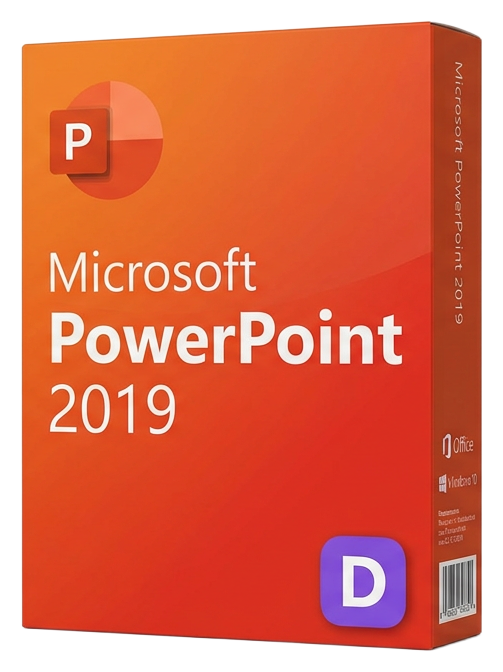
Microsoft PowerPoint 2019
Microsoft · Lifetime
Term
Lifetime
Devices
1 device
Delivery
< 60 sec
Region
Worldwide
Overview
Microsoft PowerPoint 2019 is the standalone edition of the world's leading presentation software, delivering a powerful toolkit for creating professional, visually striking presentations that inform, persuade, and inspire. From boardroom pitch decks to classroom lectures, conference keynotes to product launches, PowerPoint 2019 provides the creative control and design intelligence to make every presentation memorable. The headline feature of PowerPoint 2019 is Morph — a transition engine that creates smooth, cinematic animations between slides by automatically detecting common objects and animating their position, size, rotation, and color changes. What previously required hours of manual animation keyframing now happens with a single click. Move elements between slides and Morph generates fluid motion that rivals professional motion graphics. Zoom introduces non-linear presentation navigation, letting you create an interactive summary slide that jumps to specific sections on demand. This transforms traditional sequential presentations into dynamic, audience-driven experiences where you can adapt the flow based on questions, interests, or time constraints — essential for consultants, trainers, and executives who present to diverse audiences. 3D model support lets you insert, rotate, and animate three-dimensional objects directly in your slides. Embed a 3D building model in an architecture pitch, rotate a product prototype in a design review, or animate a molecular structure in a science lecture. PowerPoint 2019 supports .fbx, .obj, .3mf, and .ply formats from the built-in 3D library or custom sources. The visual effects toolkit includes SVG icon insertion with over 500 royalty-free icons, background removal for images, artistic filters, reflection and shadow effects, and SmartArt for converting bullet points into professional diagrams. Designer AI suggests layout improvements based on your content, automatically creating polished slides from text and images. PowerPoint 2019 supports 4K video export (3840x2160) for the highest quality recordings, making it ideal for creating video content, training materials, and online courses. You can narrate slides with voiceover, include webcam video, and add laser pointer annotations that are captured in the recording. As a perpetual license, PowerPoint 2019 is yours to keep forever — no subscription required, no cloud dependency, full offline functionality after activation.
Verwandte Ratgeber & Artikel
Microsoft Office 2024 LTSC: The Last One-Time Purchase Office Suite?
Microsoft Office 2024 LTSC is the latest perpetual Office suite — but with Microsoft 365 dominating, is this the last standalone version?
Read moreThe Complete Guide to Choosing the Right Microsoft Office Edition
Office Home, Business, Professional, or 365? This guide helps you pick the right Microsoft Office edition for your needs and budget.
Read moreWhere to Buy the Cheapest Microsoft Office 2024 License (Legitimately)
Find the best deals on genuine Microsoft Office 2024 licenses. Compare editions, pricing, and where to buy safely at the lowest price.