BESTSELLERIN STOCK · UNLIMITED
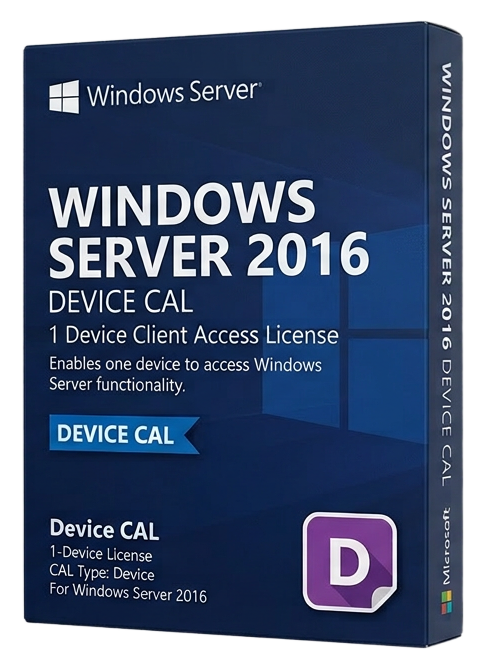
Windows Server 2016 - 50 Device CAL
Microsoft · Lifetime
Term
Lifetime
Devices
1 device
Delivery
< 60 sec
Region
Worldwide
Overview
The Windows Server 2016 50 Device CAL pack provides Client Access Licenses for 50 specific devices to access Windows Server 2016 services. A Device CAL is assigned to a physical device (workstation, terminal, kiosk) and allows any number of users to access Windows Server from that device — making it the optimal choice for shared computing environments. Device CALs excel in scenarios where multiple users share the same hardware: factory floor workstations used across three shifts, hospital nursing stations accessed by rotating staff, retail point-of-sale terminals, classroom computers in educational institutions, and call center desks with hot-desking arrangements. In these environments, licensing the device rather than individual users is significantly more cost-effective. This 50-pack provides the same server access rights as User CALs — authentication against Active Directory, access to shared folders and printers, DNS and DHCP services, IIS web applications, and all other Windows Server roles and features. The only difference is the licensing model: tied to the device rather than the user. Device CALs are perpetual and provide downward compatibility with older Windows Server versions (2012 R2, 2012, 2008 R2). They do not grant access to newer server versions. Remote Desktop Services require separate RDS CALs regardless of whether you hold User or Device CALs. For organizations with a mix of dedicated and shared devices, combining User CALs and Device CALs in the same environment is permitted and often provides the most cost-effective licensing solution. Assign User CALs to employees with personal devices and Device CALs to shared workstations.
Guías y artículos relacionados
Microsoft Office 2024 LTSC: The Last One-Time Purchase Office Suite?
Microsoft Office 2024 LTSC is the latest perpetual Office suite — but with Microsoft 365 dominating, is this the last standalone version?
Read moreThe Complete Guide to Choosing the Right Microsoft Office Edition
Office Home, Business, Professional, or 365? This guide helps you pick the right Microsoft Office edition for your needs and budget.
Read moreWhere to Buy the Cheapest Microsoft Office 2024 License (Legitimately)
Find the best deals on genuine Microsoft Office 2024 licenses. Compare editions, pricing, and where to buy safely at the lowest price.