BESTSELLERIN STOCK · UNLIMITED
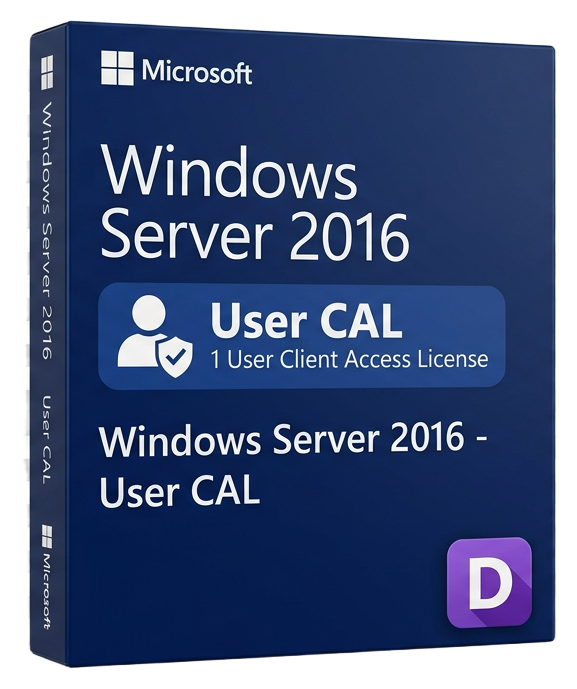
Windows Server 2016 - 50 User CAL
Microsoft · Lifetime
Term
Lifetime
Devices
1 device
Delivery
< 60 sec
Region
Worldwide
Overview
The Windows Server 2016 50 User CAL pack provides Client Access Licenses for 50 named users to legally access Windows Server 2016 services across your organization. A User CAL is assigned to a specific individual and allows that person to access any number of Windows Servers from unlimited devices — their desktop, laptop, tablet, and phone all covered under one license. User CALs are the optimal choice when employees access servers from multiple devices. In modern work environments where a single person might use a workstation at the office, a laptop while traveling, and a phone for email, a User CAL covers all these access points without requiring separate licenses for each device. This makes User CALs more cost-effective than Device CALs for organizations with a mobile or flexible workforce. Windows Server CALs are required for each user or device that accesses Windows Server services either directly or indirectly. This includes authentication against Active Directory, accessing shared folders and printers, connecting via Remote Desktop (RDS requires additional RDS CALs), using DNS and DHCP services, and accessing web applications hosted on IIS. Without proper CALs, your organization is not in compliance with Microsoft licensing terms. This 50-pack is volume-priced for significant savings compared to purchasing individual CALs. It is ideal for medium-sized businesses, branch offices, and departments that need to onboard multiple users simultaneously. CALs are perpetual — they do not expire and remain valid for the lifetime of the server version. Windows Server 2016 User CALs provide downward compatibility, meaning they also grant access rights to older server versions (2012 R2, 2012, 2008 R2). However, they do not provide access to newer versions — accessing Windows Server 2019 or 2022 requires CALs for those respective versions. CAL compliance is audited based on your organization's records. Microsoft does not enforce CALs technically (there is no license key per CAL), but maintaining proper CAL counts is a legal requirement verified during software asset management audits.
Guías y artículos relacionados
Microsoft Office 2024 LTSC: The Last One-Time Purchase Office Suite?
Microsoft Office 2024 LTSC is the latest perpetual Office suite — but with Microsoft 365 dominating, is this the last standalone version?
Read moreThe Complete Guide to Choosing the Right Microsoft Office Edition
Office Home, Business, Professional, or 365? This guide helps you pick the right Microsoft Office edition for your needs and budget.
Read moreWhere to Buy the Cheapest Microsoft Office 2024 License (Legitimately)
Find the best deals on genuine Microsoft Office 2024 licenses. Compare editions, pricing, and where to buy safely at the lowest price.